



Administrator
Configure and control
Create and edit fields and set whether they are required or optional by role.
Access the Accounting tab on every transaction.
Export the enriched CSV.

Create custom fields, define them by role, and export ERP-ready data — all without leaving the platform.









Four steps to bring your accounting classification into Clara.
Go to Settings > Accounting Fields. Choose the field type, add the options, and give it a name.
Mark each field as required or optional. Fields without a setting stay optional.
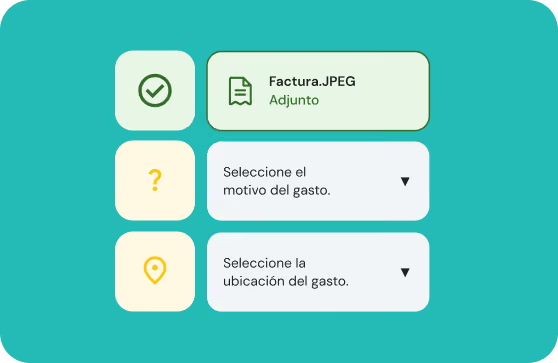
Cardholders see only the fields that apply to them. A banner flags pending required fields.
Each field generates a column in the enriched CSV (Pro plan). Review is completed only once all required information is filled in.
Each user sees exactly what they need, no more, no less.
With Accounting Fields, data arrives complete from the source, with no extra spreadsheets.