






Your Clara Conta. Now in your pocket.
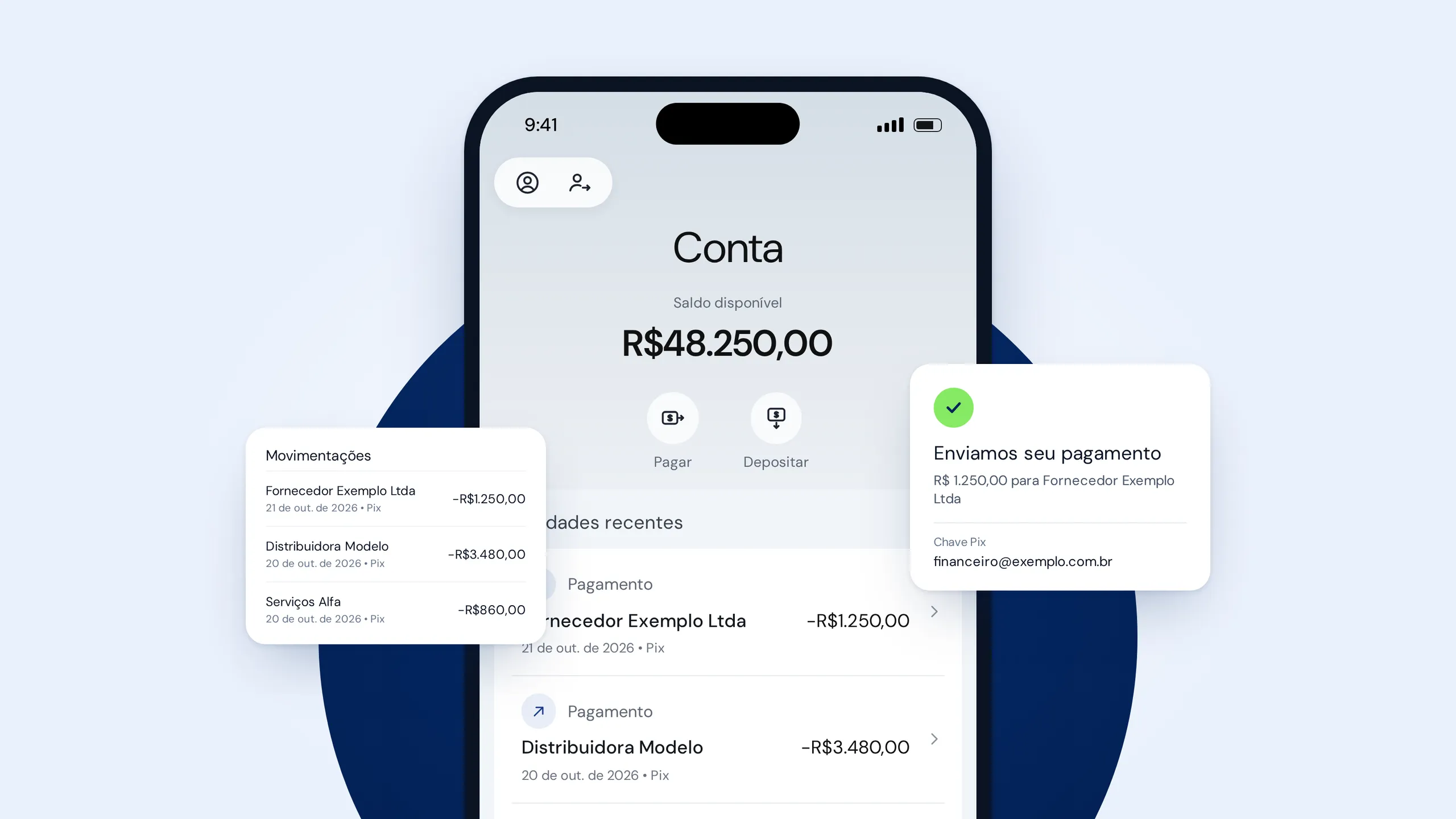
Check your balance, track account activity, and make Pix payments using a key directly in the Clara app.
Your company's finances do not stop when you step away from your computer. And now, neither does your Clara Conta.
With Clara Conta available in the Clara app, you can check your account information and make Pix payments directly from your phone.
The same account you already use, now with more freedom to move your company's money wherever you are.
Your money, wherever you are
With Clara Conta on your phone, you can access the main features for tracking and moving your company's money.
Check your balance whenever you need to
See your Clara Conta's available balance without having to access the platform from a computer.
Track your account activity
View your transaction history, check the details of each transaction, and access receipts to share when needed.
You can also view and share your registered Pix key to receive payments.
Make Pix payments from your phone
Need to make a payment while away from your computer?
Now you can do it directly in the Clara app.
Search for a recipient or enter a Pix key, choose the amount, and check the details before confirming the payment.
More convenience for your payments, all within the Clara ecosystem.
How do you make a Pix payment in the Clara app?
Follow these steps to make your first payment:
1. Access Clara Conta
Open the Clara app, go to the Account section and select Pay.
2. Choose the recipient
Search for a saved recipient or enter a Pix key to make the payment.
3. Enter the amount
Enter the amount you want to transfer. You can also check your available balance during the process.
4. Check the details
Check the recipient, amount, and payment date before continuing.
5. Confirm the payment
Authorize the transaction using the security method requested by the app.
6. View and share the receipt
Track the payment result and, once it is complete, access the receipt to share it.
Want to see how it works in practice?
The same Clara Conta. More freedom in your daily routine.
Your company continues to use Clara Conta through the web platform, with the features you already know.
Now you can also check balances, track account activity, and make Pix payments using a key directly from your phone, according to the permissions set for your user account.
Some operations and settings remain available exclusively through the web platform.
Your finances do not have to be tied to a computer.
Your Clara Conta now goes with you.
Check, track, and pay. All in the Clara app.