Invoices without the effort
Automate receipt recovery and deduct up to 30% more in taxes.
Automatic WhatsApp invoicing with Clara Intelligence
Automatic PDF and XML files
Smart matching with corporate cards
Voice notes transcribed as comments
No portals or manual processes
How does it work?
Spend linked to its invoice
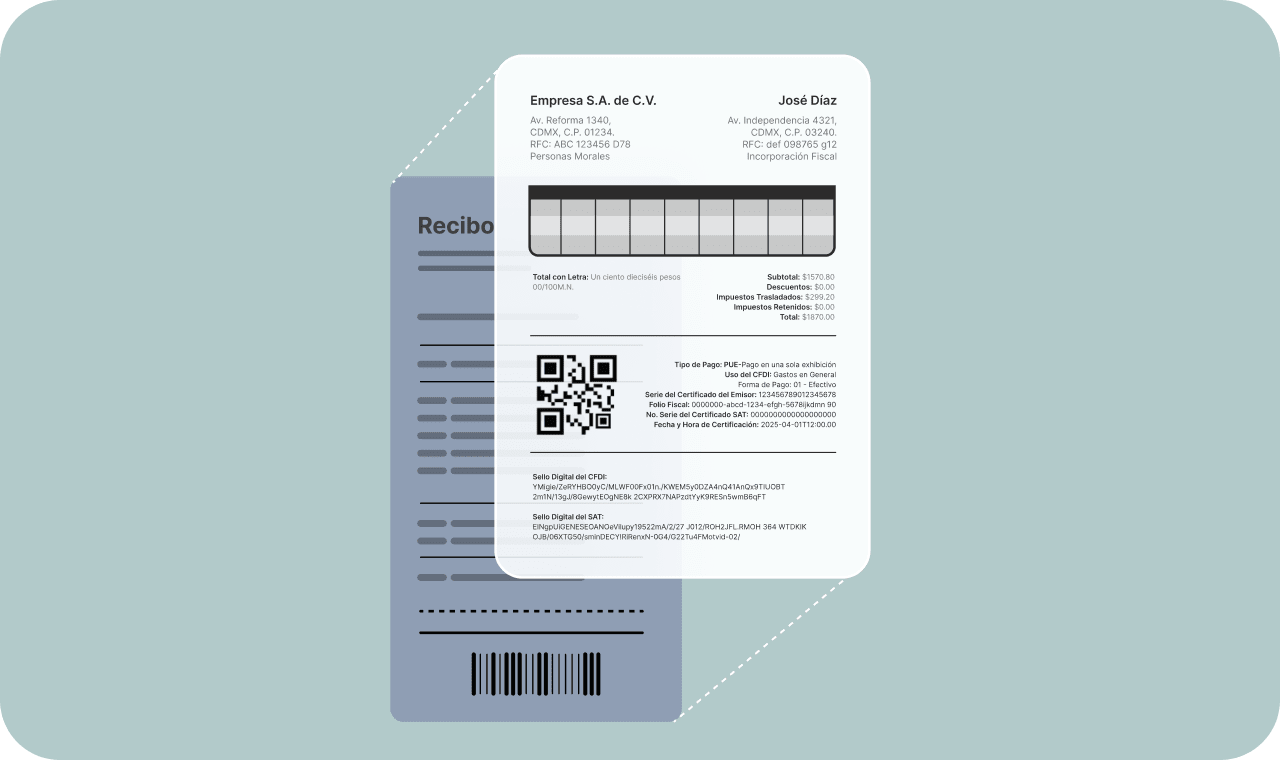
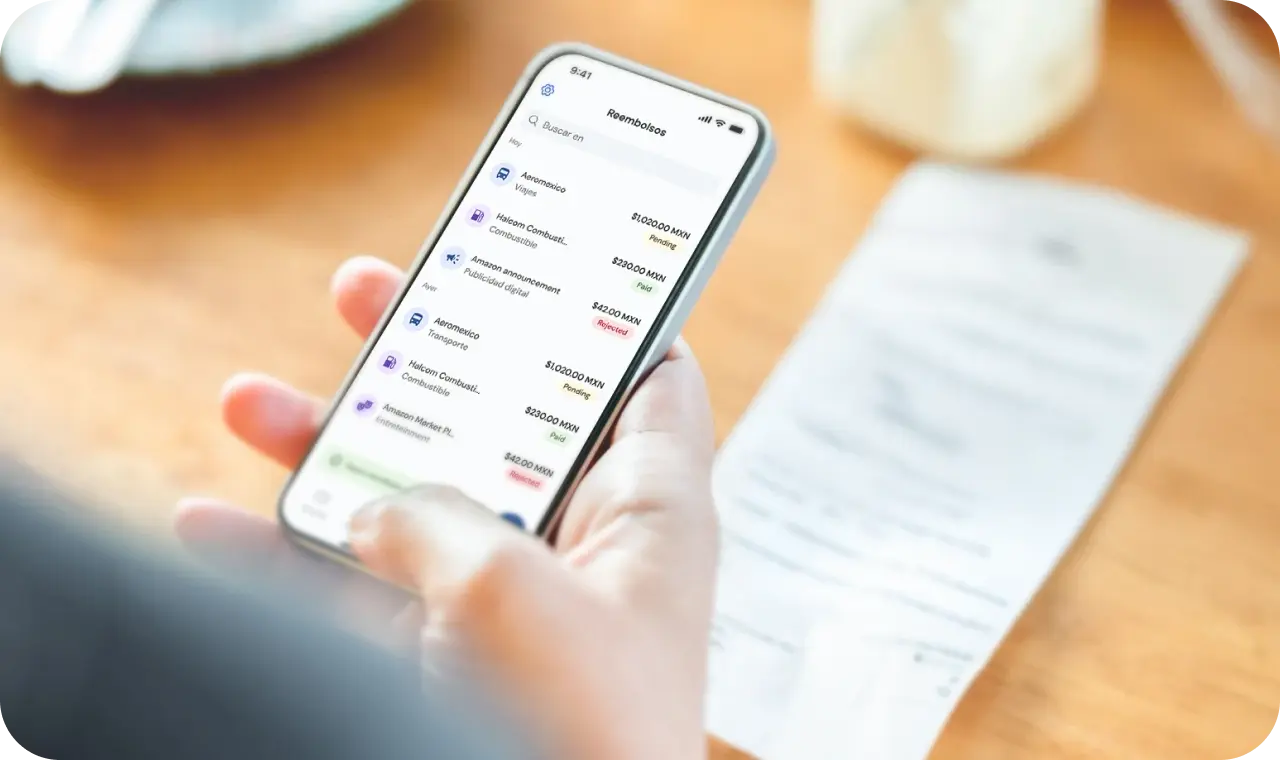
When the receipt corresponds to a Clara card purchase, the system automatically links the tax receipt to the transaction in Clara Platform, removing manual reconciliation and giving the finance team real-time visibility.
Fast, simple recovery
Leave manual work behind
A smoother accounting close
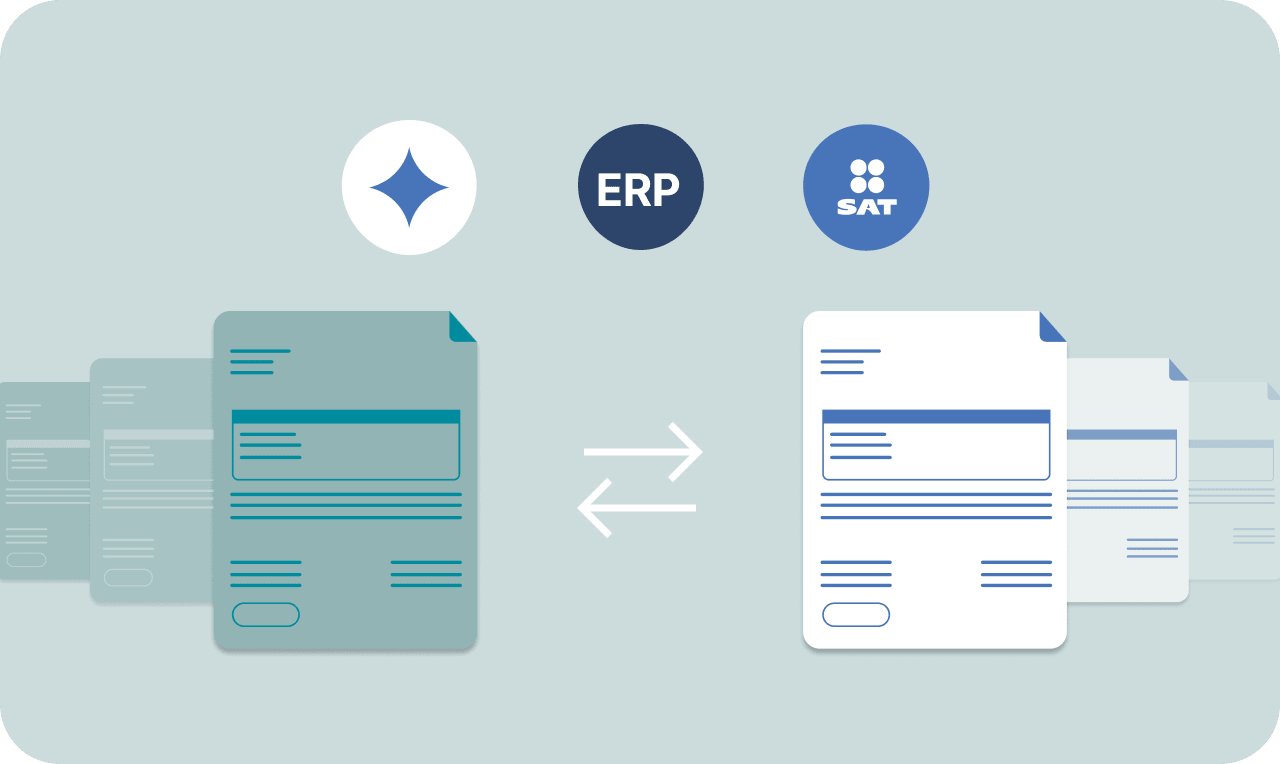
Invoice recovery makes your operations more efficient
Up to 30% more in tax deductions
Save up to 15 hours per week per employee
Step by step to recover your invoices
Recover tax receipts in 3 steps from your Clara app.
01
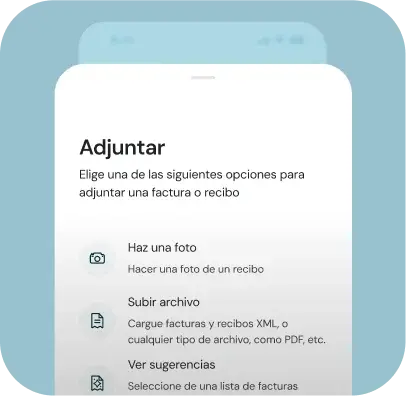
Select your spend and attachAfter making a purchase with your Clara card, open the app, find the transaction in “Movimientos” (Transactions) and select “Adjuntar” (Attach).02
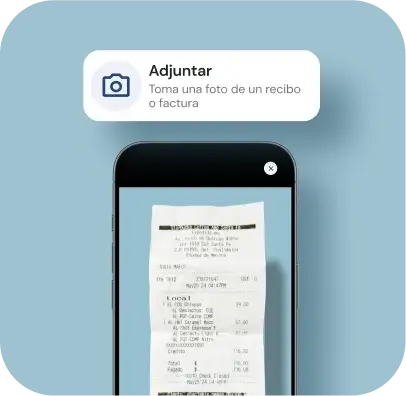
Take a photo of the receiptPhotograph the receipt with your phone camera or upload it from your gallery. Make sure it is complete and readable.03
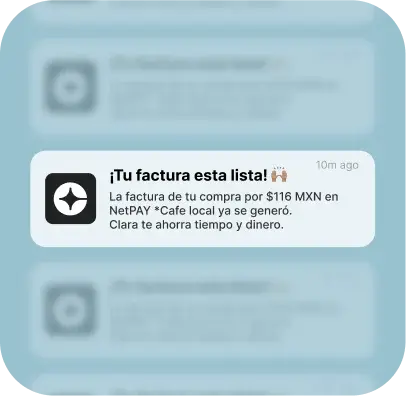
Clara contacts the merchant, requests the invoice and automatically links it to the transaction. You receive a notification when it is ready.