

Total spend control, available on iOS and Android.
Manage your corporate spend with total agility across all your devices. Capture receipts, control cards and oversee transactions with real-time intelligence in the palm of your hand.


More than 45,000 companies trust Clara










Total control, in your pocket.
Clara’s intelligence, in the palm of your hand.
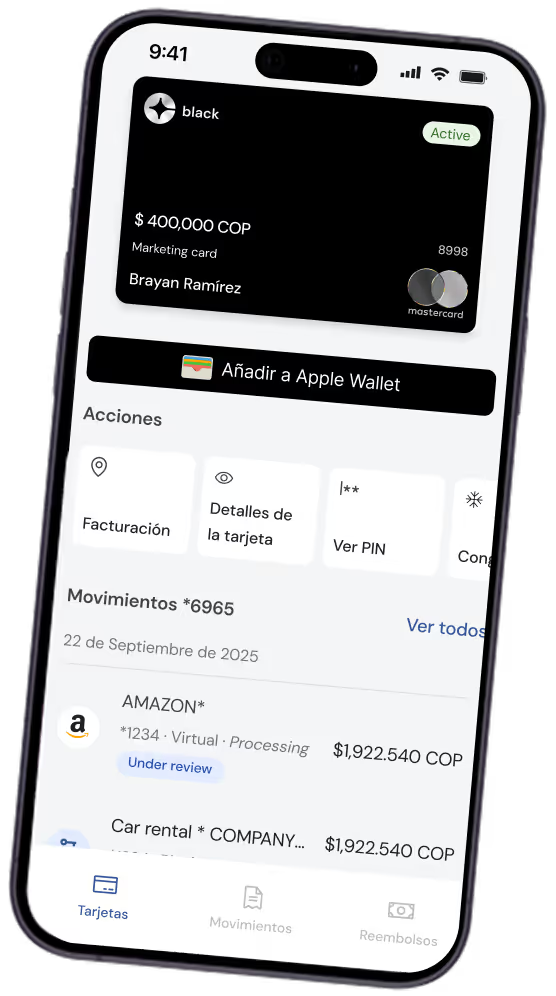
Real-time tracking
Monitor every transaction in one place with total visibility and instant status updates right in the app.Instant reconciliation
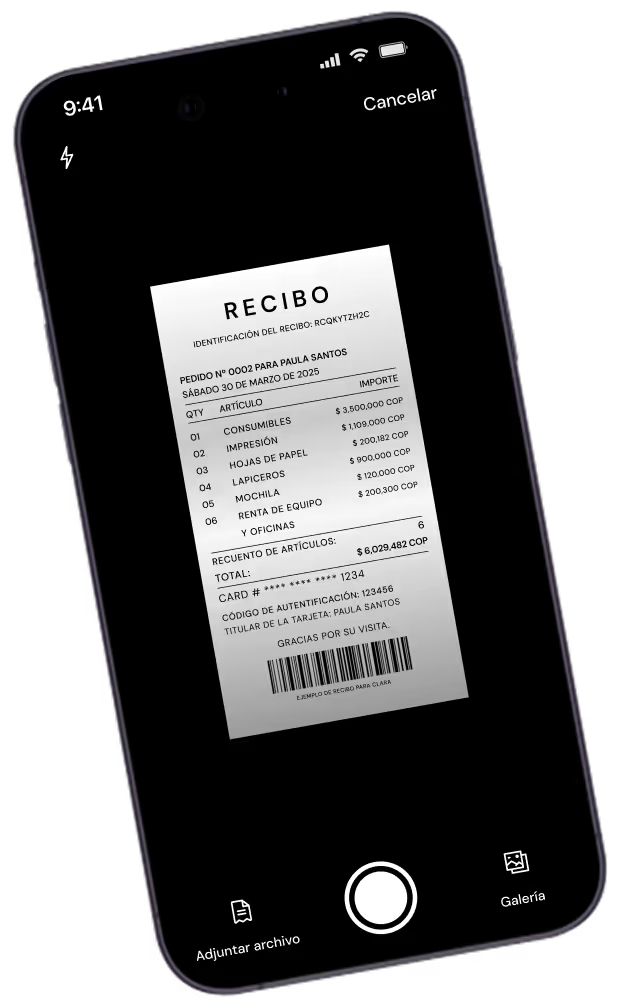
Snap photos of receipts to link them to the transaction and eliminate manual data entry for good.AI savings insights
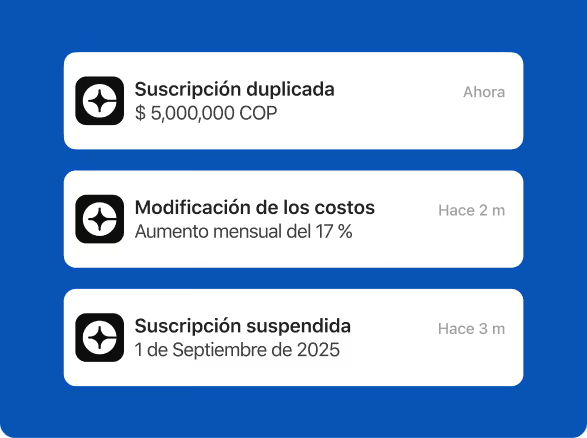
Insights analyzes Clara card payments and shows possible savings as alerts (duplicate subscriptions, price changes…).
Download the app. Take total control from anywhere.
Experience the power of the Clara engine anywhere.


Everything you need to know about Clara
Clear information on limits, global security and how Clara’s corporate card outperforms traditional business banking.
What can I do in the Clara app?
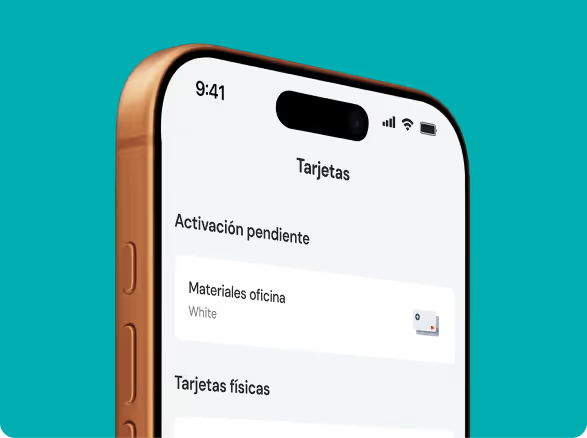
In the Clara app you can check transactions and cards, upload receipts and read alerts from the Policy Agent. The app is the mobile surface of products you already use in Clara; it does not replace the finance platform. See the spend management page for the full flow.
See also: Clara’s spend management
How do I upload receipts from the app?
You upload receipts to Clara from the app: choose the transaction, take a photo of the receipt and attach it. Clara reads the receipt and fills in the details so you don’t have to type them. You can also upload them from the platform, not just the app.
See also: invoice recovery
Can I block a card from the app?
Yes, you can block a Clara card from the app to stop new charges and unblock it whenever you need. If the card is lost, block it first and then request a replacement. See the security page to learn about access controls.
See also: Clara security
How do I request a reimbursement in Clara?
You request a reimbursement in Clara, not only from the app: log the expense, attach the receipt and send it to your company’s approval flow. Finance reviews the request on the platform. Use the reimbursement policy generator to set the rules.
See also: reimbursement policy generator
Where do I see my Clara virtual cards?
You see your Clara virtual cards in the app and on the platform, with their limit, restrictions and transactions. From there you can create or block them depending on your permissions, and the transactions are available to finance. See the virtual cards page for details.
See also: Clara virtual cards
Is the Clara app secure?
The Clara app relies on the platform’s security: SOC 2 Type II, ISO 27001 and PCI DSS 4.0, with roles and permissions for your team. Don’t post card numbers or credentials in external channels. See the security page for details.
See also: Clara security