




Invoices without the effort
Turn receipts into CFDIs through WhatsApp or the web. Centralize your team’s receipts with Recupera Facturas and Clara Intelligence.
WhatsApp invoicing with Clara Intelligence
Send a photo of your receipt through WhatsApp and receive your CFDI in seconds.
CFDI 4.0 invoicing through WhatsApp
Automatic PDF and XML files
Linking in the Pro and Enterprise app
Voice notes transcribed as comments
Without opening each invoicing portal
How does it work?
Spend linked to its invoice
When the receipt corresponds to a Clara card purchase, the system automatically links the tax receipt to the transaction in Clara Platform, removing manual reconciliation and giving the finance team real-time visibility.
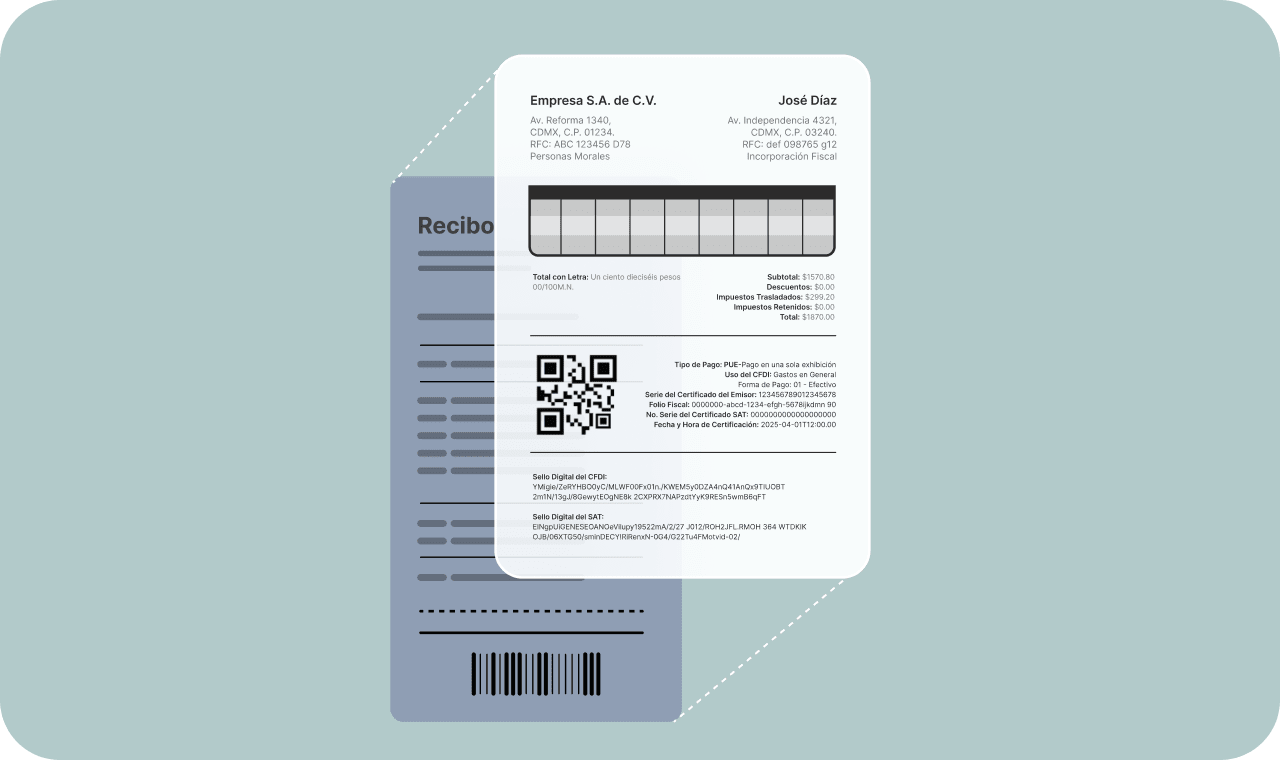
Fast, simple recovery
Let your employees upload a photo and generate a valid CFDI in less than 2 minutes, without searching for receipts at the end of the month.
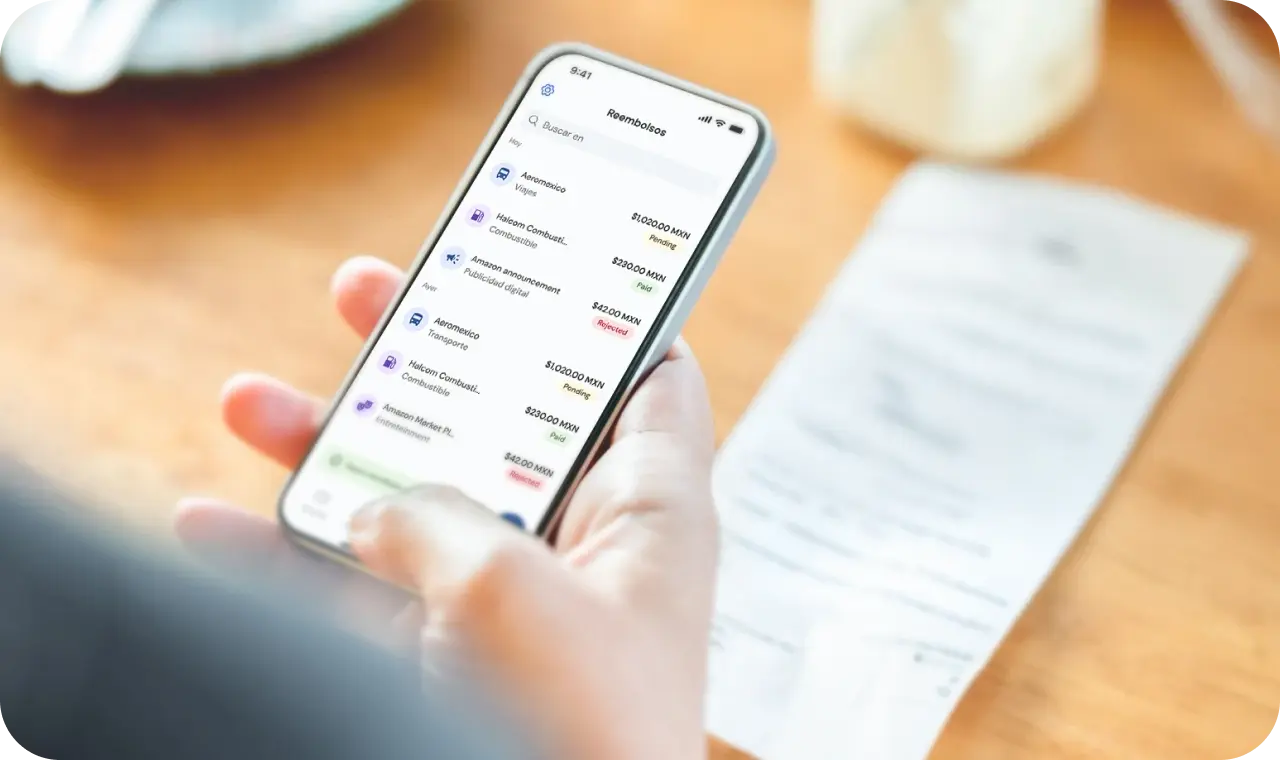
Leave manual work behind
Clara requests the CFDI, validates it and links it to the spend automatically, reducing common manual-process errors by 27 %.
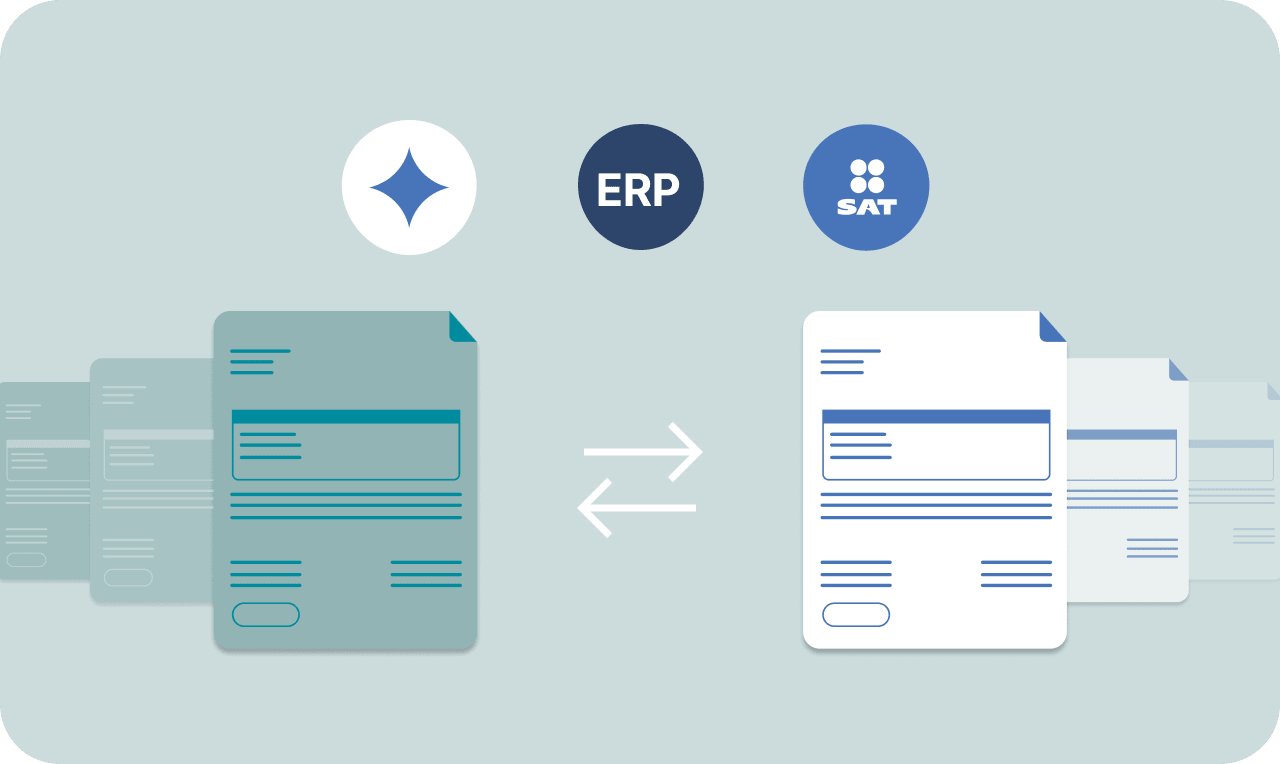
A smoother accounting close
Close your books up to 5 days faster, automatically connect receipts to spend and your ERP, and ensure each CFDI meets SAT requirements.
Invoice recovery makes your operations more efficient
Up to 30% more in tax deductions
Save up to 15 hours per week per employee
100% of CFDIs validated with the SAT
Step by step to recover your invoices
Recover tax receipts in 3 steps from your Clara app.
01
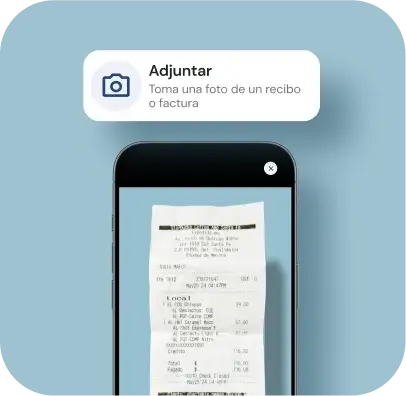
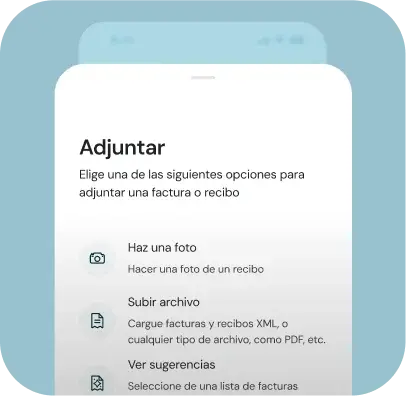
Select your spend and attachAfter making a purchase with your Clara card, open the app, find the transaction in “Movimientos” (Transactions) and select “Adjuntar” (Attach).02
Take a photo of the receiptPhotograph the receipt with your phone camera or upload it from your gallery. Make sure it is complete and readable.03
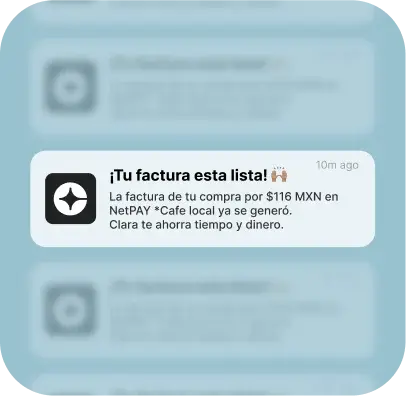
Clara turns it into a CFDIClara contacts the merchant, requests the invoice and automatically links it to the transaction. You receive a notification when it is ready.
Invoices without the effort
Open Recupera Facturas to manage your receipts, or create your Clara account to connect your spend.