
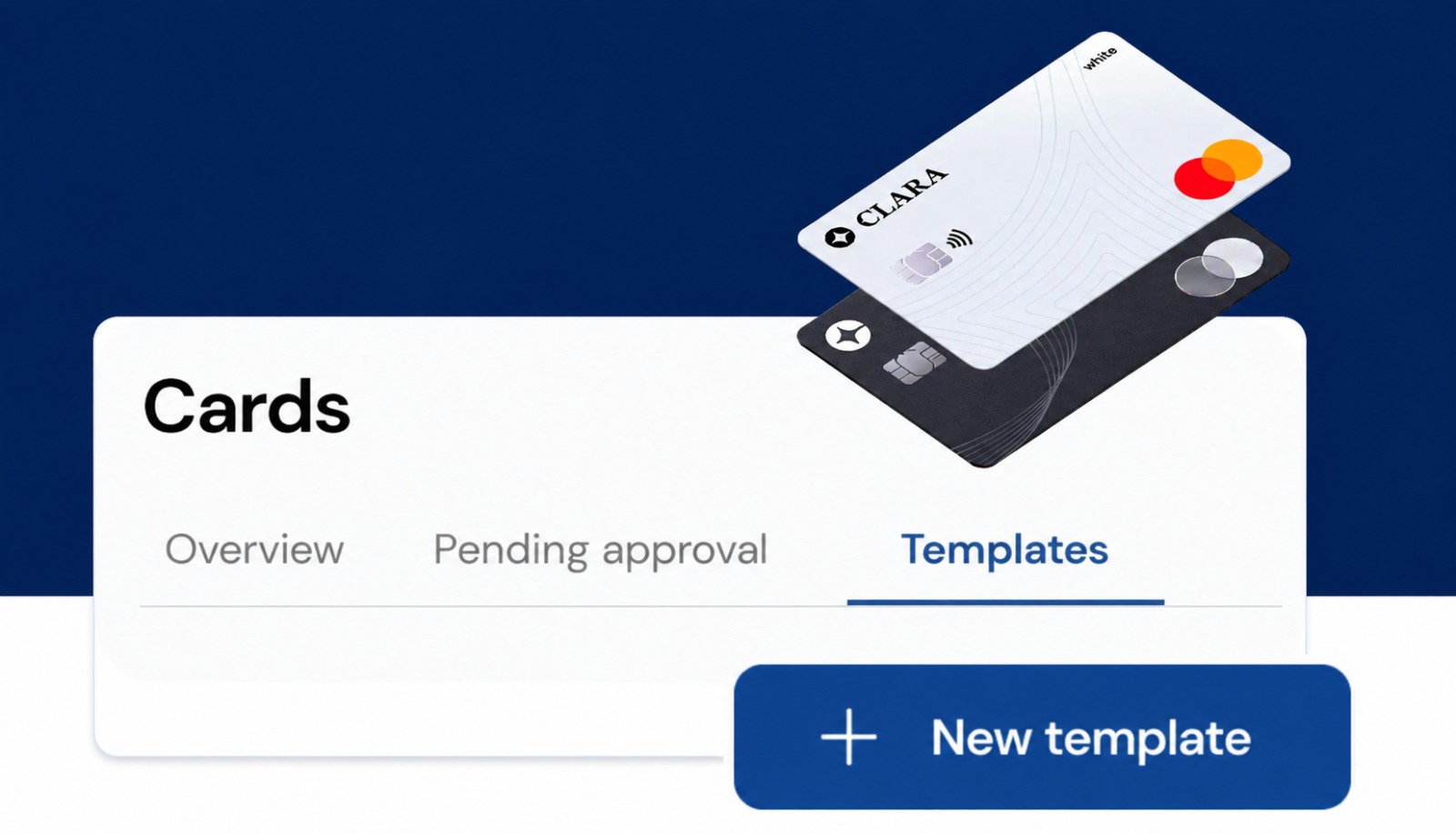
If you manage multiple cards with the same configurations, you no longer need to manage them one by one.
With Templates, you can define a configuration once, link multiple cards to it, and manage their shared configurations together. You can also use a Template when creating new cards, so the right configuration is already applied from the start.
Configure once. Apply across multiple cards.
Templates let you define the configurations you want to share across multiple cards and manage them from one place.
You can define settings such as card type, credit limit, renewal frequency, usage days, ATM withdrawals, and purchase restrictions, and then link the cards that need to share those configurations.
Instead of repeating the same process card by card, you can manage multiple cards together.
Create a Template and define the configurations you want to apply.
For example, you can create a Template for your Sales Team and define the card type, credit limit, renewal frequency, and where the cards can be used.
Once the Template is created, you can link the cards you want to manage under those configurations.
Already have cards created?
You can select multiple existing cards and link them to a Template.
From there, when you need to change a shared configuration, you can update it directly from the Template instead of doing it card by card.
Need to make a change? Do it once, not card by card.
You decide which cards are linked to each Template, so you can create different configurations based on the needs of each team or type of spend.
You can also use a Template when creating a new card.
Simply select the relevant Template, and the configurations defined in it will already be applied to the new card.
This way, you don't need to start from scratch every time you create a card with the same needs.
When creating a Template, you can define the configurations you want to share across linked cards, including:
This lets you define which configurations are managed through the Template while keeping other card settings customizable when needed.
Not every card in your company needs to work the same way.
You can create different Templates based on the needs of each team, budget, or type of spend. For example:
Sales Team
Define shared configurations for the cards used by your sales team.
Business travel
Set specific configurations for cards used during business trips.
Meals
Manage cards used for meal expenses under a shared configuration.
Projects or teams
Create different Templates based on the budget and needs of each project or team.
Templates are designed to simplify the management of multiple cards that need to share the same configurations.
Instead of repeating the same task over and over:
Configure → Link → Manage
And when you need to create a new card:
Select a Template → The configuration is already applied
This means less time spent managing cards individually and more control over how they're used.
Yes. You can create a card without selecting a Template and configure it individually.
Templates are especially useful when multiple cards need to share the same configurations.
Yes. You can select existing cards and link them to a Template to manage the configurations defined in it together.
Changes to configurations managed through a Template are applied to the cards linked to it.
This allows you to make a change in one place instead of updating each card individually.
Configurations defined by the Template are managed through the Template for all linked cards.
If you need a card to have a different value for a configuration controlled by the Template, you'll need to unlink the card from the Template before making that individual change.
Yes. You can unlink a card when you need to manage it independently or link it to a different configuration.
No. You decide which cards you want to link.
You can use different Templates for different groups of cards and continue managing other cards individually.
🇲🇽 Mexico | 🇨🇴 Colombia | 🇧🇷 Brazil
Configure once. Apply across multiple cards.
Create your first Template and link the cards you want to manage together.


.webp)