




Invoice Retriever + Smart Match
The problem
- Teams lose hours logging in to supplier portals to download XMLs and PDFs.
- Merchants’ invoicing portals expire quickly, making it impossible to retrieve invoices later.
- Human error when transcribing RFCs and amounts causes problems with the SAT.
- Without an invoice, the company cannot deduct the expense for tax purposes.
- Month-end closing is delayed because employees’ CFDIs are missing.
The solution
Automatic retrieval Clara’s Invoice Retriever (RdF) automatically searches for, downloads, and links the XML and PDF for your expenses from the merchant’s portal. Your team does not need to access any external portal.
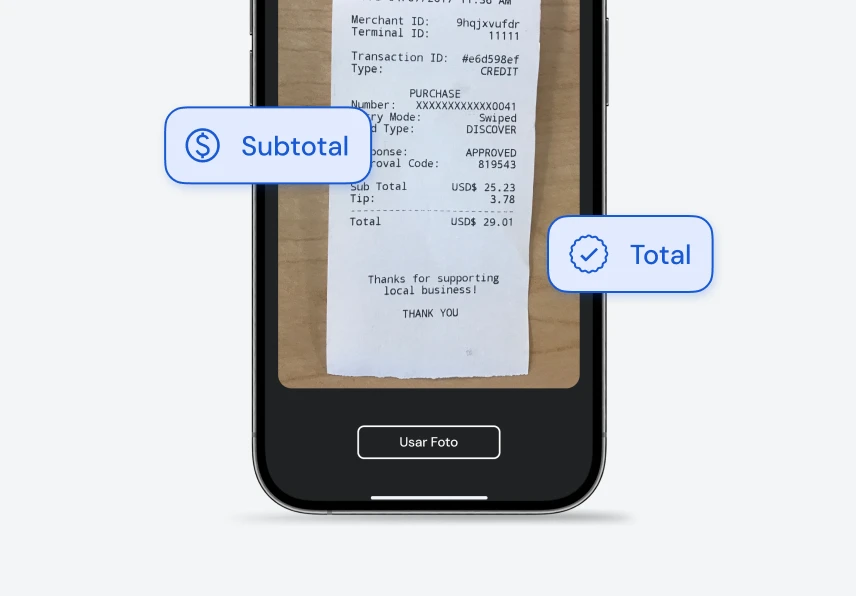
WhatsApp or platform The employee sends a photo of the receipt to WhatsApp +52 55 9708 7791 or uploads it directly to the transaction on the Clara platform. The engine does the rest.
Integrated Smart Match Clara automatically links the retrieved CFDI to the corresponding transaction (available on Pro and Enterprise plans).
Every CFDI validated with the SAT With Fotofacturas, your company can deduct up to 30% more in taxes.
Main features
How it works
Step 1: Pay with your Clara card
Make the purchase at gas stations, restaurants, stores, or any merchant and keep your receipt.
Step 2: Send the receipt
Take a photo of the receipt and send it to WhatsApp +52 55 9708 7791, or upload it to the transaction on the Clara platform.
Step 3: Clara retrieves the invoice
The engine automatically searches for the CFDI on the merchant’s portal and downloads the XML and PDF.
Step 4: Smart Match links it
Clara automatically links the retrieved CFDI to the corresponding transaction (available on Pro and Enterprise plans).
Step 5: Deduct and close
The retrieved invoice is ready for your accounting records. Your finance team closes the month without chasing down invoices.
Availability
🇲🇽 Mexico