




Clara + Zoho Expense integration
Automate transaction synchronization and close your books in record time.
Zoho
Why your finance team will love this integration
Goodbye to manual processes:
Clara corporate card transactions synchronize automatically with Zoho Expense, assigned directly to each cardholder.
Automatic reconciliation
Forget manual imports. Each expense arrives categorized and ready for review, so you do not have to build reports from scratch.
Flexible synchronization
Choose the frequency that suits your operation: daily, weekly or monthly.
Multiple currencies
Native handling of transactions in MXN, USD, COP, EUR and more, with automatic exchange-rate calculation.
Full control from the first expense
Smart individual assignment
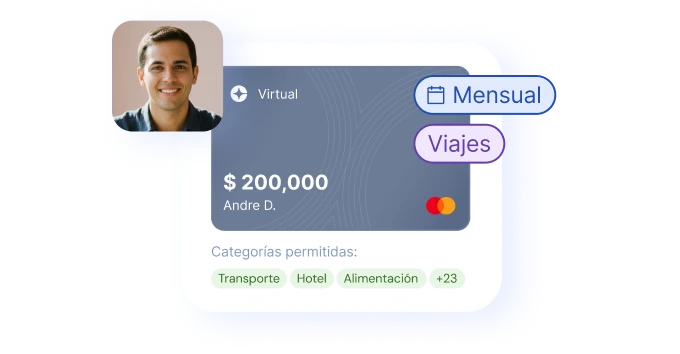
Clara assigns each expense directly to the employee’s Zoho Expense profile through their email, so each employee can manage their own spending.
Your review window, at your pace
Give your team up to 7 days to attach receipts and tag expenses before everything synchronizes with Zoho. You decide how much time.
Category mapping that fits
Choose between 1:1 accounting fields, existing tags or custom rules based on merchant, department or currency so each expense reaches the correct account.
Every employee, perfectly synchronized
Our team configures the connection between Clara profiles and your accounting system so each expense reaches the right person, without manual intervention.
Technical synchronization details
| Zoho Expense field | Information source (Clara) |
|---|---|
| Assigned to (user) | Employee email registered in their Clara profile |
| Amount and currency | Original transaction amount and currency. |
| Merchant | Merchant name captured by Clara. |
| Reference | Last 4 digits of the card used. |
| Description | Configurable format (for example, merchant name + MCC description). |
Important note: This integration is one-way (Clara → Zoho Expense) and synchronizes authorized transactions. Returns and refunds are handled through independent, configurable flows.
Your path to go-live
Administrator account:
a Zoho Expense account to authorize the connection through OAuth.
User mapping:
make sure all cardholders exist as Zoho Expense users with their corresponding email addresses.
Final test:
coordinate a complete test with Clara’s implementation team before going live.