

Grow your team, not your workload.
Everything works when everyone has the tools they need
Clara Intelligence™
Insights analyzes Clara card payments and shows possible savings as alerts (duplicate subscriptions, price changes…).
Spend Management platform
Automated expense reports, approvals and compliance for full visibility and less manual work.
Corporate credit cards
Global cards with customizable limits and controls so teams can spend with confidence.
Clara TravelPay
Virtual cards and tracking for every travel-related payment. Improve visibility and prevent unexpected or unauthorized charges.
Reimbursements
Fast, automated reimbursement flows for out-of-pocket expenses that eliminate paperwork and speed up repayments.
Financial analyst
Stop chasing budgets manually. Your AI assistant delivers the insights you need before problems escalate.
Expense review
Skip the slow line-by-line review and let automated validations flag the real issues for an easy approval.
Card control options
Stop guessing what teams spend on, with smart limits and rules that keep everything aligned without constant oversight.
Approval flows
Stop getting stuck in bottlenecks with custom approval paths, so requests move through the right people smoothly and on time.
Smart Match
Forget the month-end cleanup: receipts and transactions sync automatically and your reports are ready when you are.
Corporate cards
Stop using personal cards for work: physical, virtual and single-use options make every purchase simple and covered.
Custom cards
Stop worrying about spending the wrong way, because your card’s limits and rules guide every payment automatically.
Reimbursements
Forget the piles of receipts, with quick submissions and fast payouts that make getting your money back effortless.
Invoice recovery
Forget manual data entry: now uploading an invoice is all it takes for everything to be captured and organized.
Smart Match
No more scrambling for receipts. Your expenses match and complete themselves automatically while you focus on real work.
Everything you need to know about Clara
Clear information on limits, global security and how Clara’s corporate card outpaces traditional business banking.
What is the Clara White card?
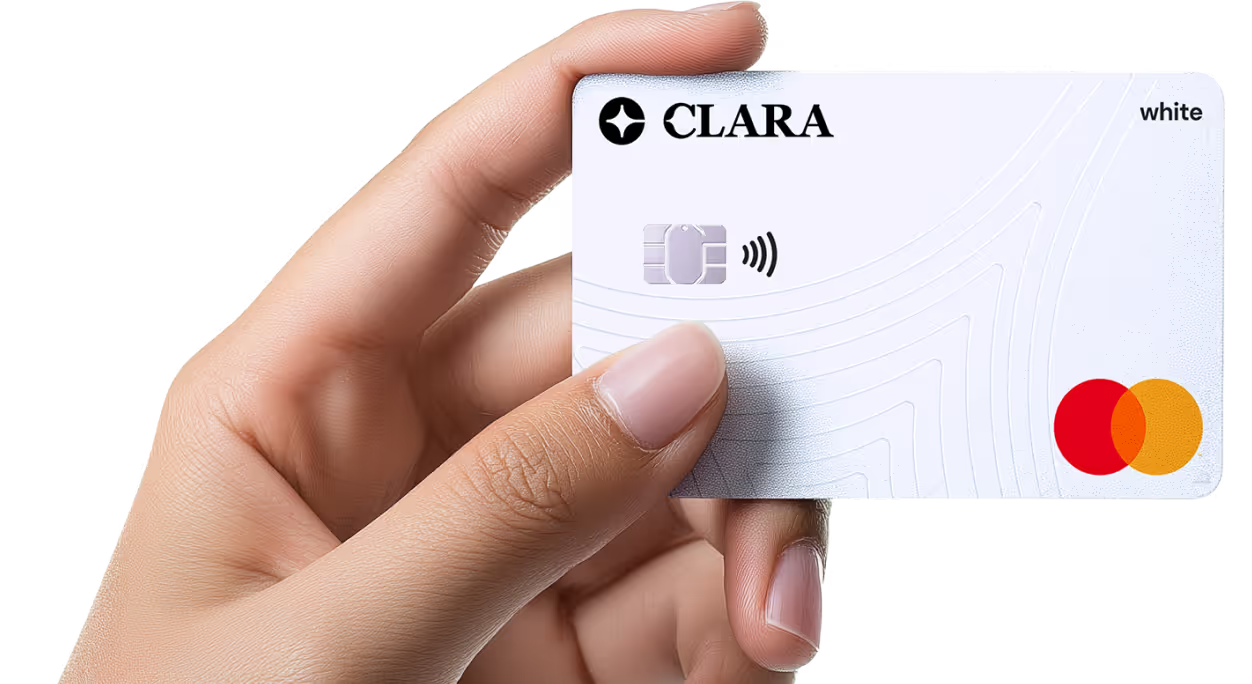
The Clara White card is Clara’s physical card for your company’s everyday spend in Colombia. It is assigned to each employee and uses the limits, controls and spend rules you set in Clara. It is a Mastercard card that you activate in the app once it arrives.
See also: business credit card
How do I control spend with the Clara White card?
You control Clara White card spend with per-card limits, a maximum amount per transaction and restrictions such as in-person or domestic purchases. You can also require receipts and accounting fields per card before you issue it. Every charge is visible in Clara for the finance team to review.
See also: Clara spend management
How much does the Clara White card cost?
In Colombia, the free plan includes Limited cards; cards without that limit are available only on Enterprise. Clara charges for the platform plan, not per card. See what each plan includes on Clara’s pricing page.
See also: Clara plans and pricing
What is the difference between Clara White, Black and Virtual?
Clara White is the standard physical card for everyday spend and Clara Black is the premium version. Clara Black has its own benefits program, while Clara Virtual is digital and issued instantly for online purchases. Each one has different benefits and rules, so choose based on how your team will use it.
See also: Clara Black card, Clara Virtual card
Where can I use the Clara White card?
You can use the Clara White card at any merchant that accepts Mastercard, within the limits and restrictions you set. Acceptance depends on the Mastercard network, the merchant’s setup and the card’s rules. To plan travel spend, use the travel expense calculator.
See also: travel expense calculator
What do I do if an employee loses their Clara White card?
If an employee loses their Clara White card, lock the card in Clara to stop new charges and request a replacement from your account executive or the Help Center. Clara does not publish replacement times because they vary by market. See the security page to learn about access controls.
See also: Clara security