




Clara Intelligence
The problem
- Manual expense categorization is slow and inconsistent across employees.
- Out-of-policy expenses are only identified at closing, when it is already too late.
- Lack of a predictive view: managers react instead of anticipating spending trends.
- Expense data scattered across multiple systems makes consolidated analysis difficult.
- Opportunities to save go unnoticed without intelligent analysis of patterns.
The solution
Automatic categorization Transactions are automatically categorized based on the merchant, the company's history, and its patterns. The AI learns from your corrections to become more accurate.
Smart Match + Fotofacturas Automatic matching of receipts and retrieval of CFDIs. Send a photo of your receipt via WhatsApp and receive your CFDI in seconds.
Anomaly detection Automatic alerts for expenses that fall outside normal patterns: unusual amounts, unusual times, suspicious categories. Identify problems before closing.
OCR and fraud prevention Automatic reading of receipts, invoices, and documents. Real-time validation against fraud databases (NOTO).
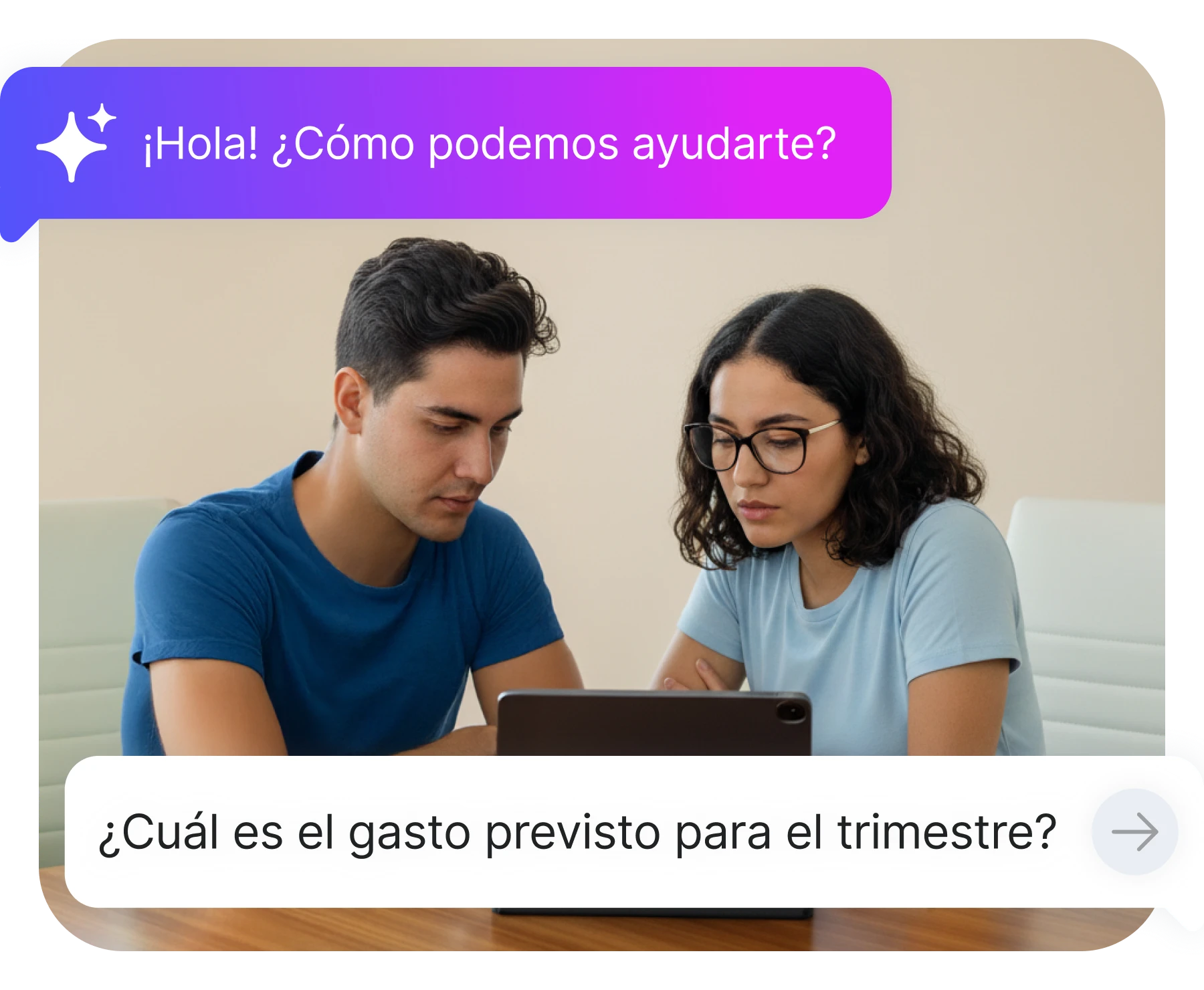
Predictive insights Dashboards with trends, comparisons between periods, and optimization recommendations based on your company's patterns.
Main features
How it works
Step 1: It is already active
Clara Intelligence is built into the entire platform. You do not need to activate anything separately.
Step 2: Use it as usual
As transactions, reimbursements, and payments are processed, the AI works automatically in the background.
Step 3: Review suggestions
Check the automatic categorizations and adjust them when necessary. The AI learns from your corrections.
Step 4: Set up alerts
Set thresholds for anomaly alerts: amounts above X, transactions outside usual hours, etc.
Step 5: Analyze insights
Open the Intelligence dashboard to view trends, patterns, and optimization recommendations.
Availability
🇲🇽 Mexico