




How to invoice your tolls and Tag PASE: a guide for companies

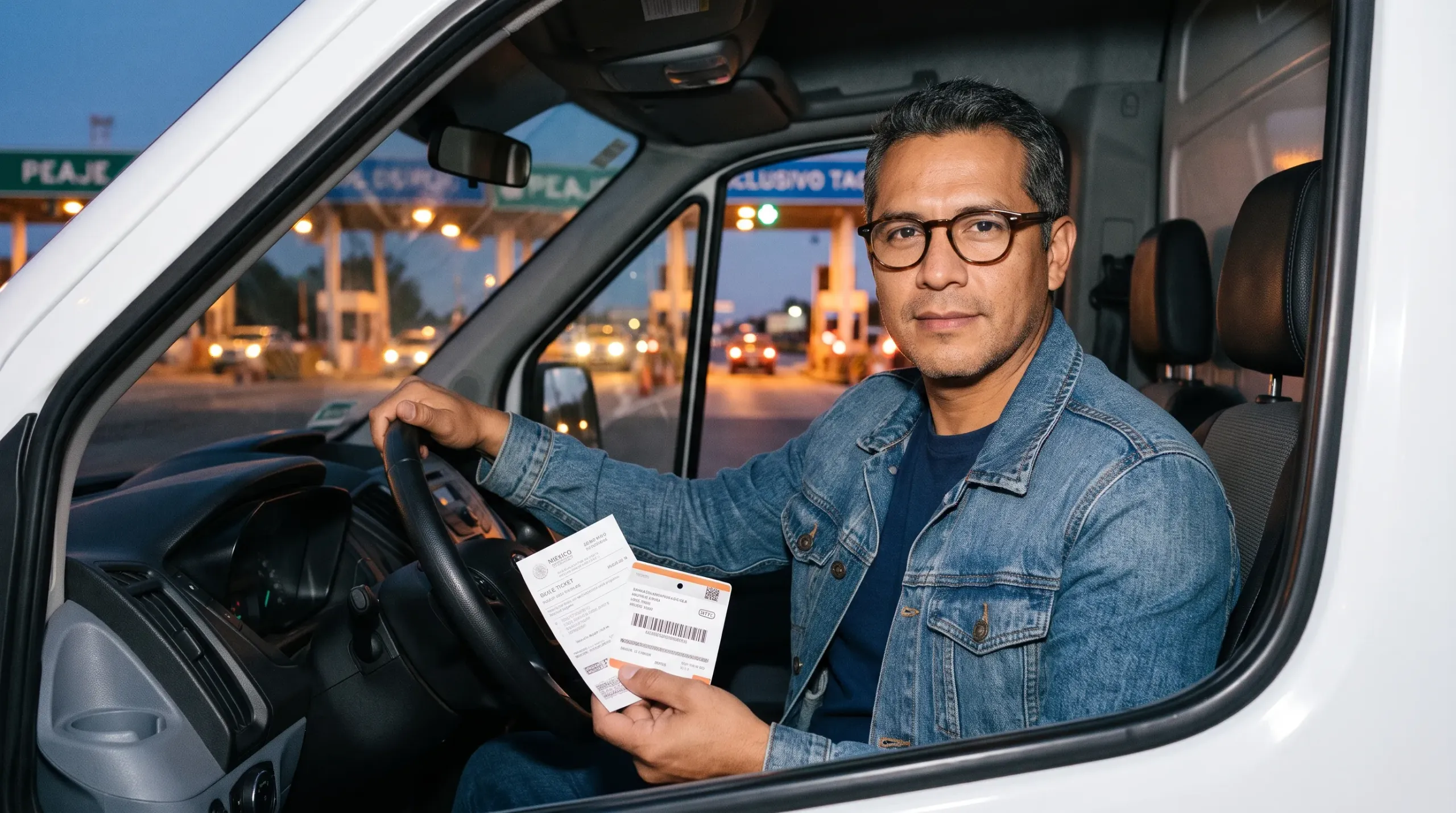
Invoicing tolls seems like a minor task until month end arrives. In the same week, there may be Tag PASE charges, CAPUFE tollbooth tickets, and crossings on concession operated highways, each with its own issuer, portal, and invoicing window. If a document was also issued under another RFC, accounting cannot classify the expense and someone ends up chasing invoices across three different sites.
This guide brings order to the process: who issues each document, how PASE invoicing works for your plan, what changes with CAPUFE and concessionaires, and how to close the cycle by reconciling in Clara.
Who issues the invoice for each toll?
In Mexico, there is no single issuer of toll invoices. Each operator invoices what it charges through its own portal and under its own rules. For a company with vehicles, the first step is not to “request the invoice” but to identify which operator charged for each crossing.
| Issuer | What it invoices | Where to request it | Deadline |
|---|---|---|---|
| PASE | Purchase of the device, Prepaid top ups, and Postpaid usage | PASE portal or app, depending on your account plan | Check the deadline with the issuer; invoicing by crossing applies to crossings in the current fiscal year |
| CAPUFE | Crossings on the highways it operates, based on the ticket | CAPUFE invoicing portal | Check the deadline with the issuer |
| Concessionaires and state highways | Crossings on their sections, under their own system | Each operator's invoicing portal or module | Check the deadline with the issuer |
Three practical rules follow from that table:
- A ticket is not an invoice. The ticket proves payment; the tax document must be requested separately, through the issuer's portal and within the window that issuer sets.
- One invoice does not cover another operator. A PASE document does not cover crossings charged by CAPUFE or a concessionaire, even if they were on the same day and route.
- Timing matters. If your team collects all documents at the end of the month, it risks finding that an invoicing window has already closed. Invoice by operator and period.
For tax treatment, the rule is the same for every issuer: request the relevant document and consult your accountant about the treatment applicable to your company. Issuing an invoice does not, by itself, make the expense deductible.
How to get a PASE invoice for your plan
Distinguish three transactions: buying the device, Prepaid top ups, and Postpaid usage. With Prepaid, enter and verify your tax details before topping up; invoices correspond to processed top ups. For Corporate Postpaid, PASE describes monthly invoicing; confirm the options for your account with your representative.
The most common mistake is treating Tag PASE as a single product to invoice. There are three transactions with different documents:
- the purchase of the device, which happens once (or whenever you add tags);
- the top ups, which exist only if your account uses Prepaid;
- the crossings, which accumulate under Postpaid and are invoiced according to the plan you contracted.
If your accounting needs to separate these items, paying for Tag PASE with a dedicated card helps distinguish toll spending from other purchases starting with the first charge.
Buying the device
Invoicing for the tags depends on the channel where you bought them. If you bought them at an authorized point of sale, check that channel's invoicing process; if you received them through a corporate agreement, confirm it with your PASE representative.
Before buying, check that the tax details match your tax status certificate. If a tag is invoiced under another RFC, any correction is handled afterward with the issuer under its process.
Prepaid top ups
Under Prepaid, the invoice covers the processed top ups, not the crossings. That is why timing is critical: enter and verify your tax details before topping up.
If a top up has already been processed with incorrect details, arrange a correction with the issuer; do not assume the invoice will use the new details.
Postpaid crossings: monthly or by crossing
Under Postpaid, PASE distinguishes two invoicing options:
- Monthly, with one document per period. This best suits a company that wants a single document to reconcile the month.
- By crossing, where you choose which crossings to invoice and can use different legal business names. It requires an active account, correct tax details, and crossings in the current fiscal year; generating the document can take up to 24 hours.
Those 24 hours refer to generating the invoice, not activating the service or linking the tags.
For Corporate Postpaid, PASE describes monthly invoicing for usage during the period. If your account has a different setup, or you invoice under several legal business names, confirm the available options with your representative before committing to a format with your accountant.
The current details for each option are in PASE's official help pages: PASE invoicing: official information by plan.
How to invoice CAPUFE and concessionaire tollbooths
Yes, although each operator has its own invoicing system and portal. With PASE, invoicing by crossing is limited to crossings in the current fiscal year, according to the configured option. For CAPUFE or other concessionaire tickets, check the relevant issuer's process and deadline.
At CAPUFE and concessionaire tollbooths, invoicing starts with the ticket. The general flow is to keep the ticket, go to the operator's invoicing portal, enter the ticket details and the company's tax details, and download the document. Details vary: some operators ask for a reference number, others for a printed code, and still others link the ticket to a user account.
The control principles do not change:
- Keep the ticket until you have the invoice.
- Do not accumulate tickets for several months. Each operator publishes its own window, and a ticket that can no longer be invoiced is an expense that is difficult to document.
- Check the issuer before entering details. A concessionaire ticket cannot be invoiced on the CAPUFE portal, or vice versa.
- Check the RFC before confirming. Correcting an issued document depends on each operator's process and usually involves an additional step.
What is the NRU? It is an identifier some operators request to link a ticket to an invoice. Its format, location on the ticket, and use depend on each issuer. If the portal asks for it and you cannot find it, check the operator's official help pages before entering an approximate value.
“I can't get an invoice”: common errors
When a portal rejects a request, the cause is almost always on this list:
The tax details do not match the certificate. The legal business name, RFC, tax regime, and postal code must match. An outdated regime or a data entry error is enough for the system to reject issuance.
The ticket is outside the issuer's window. There is no universal deadline; each operator sets its own. If the system no longer accepts the reference number, contact the issuer's support team.
The ticket has already been invoiced. One ticket cannot generate two documents. If a team member invoiced it earlier, the system will mark it as used; a shared record of reference numbers prevents duplicates.
The portal is for a different operator. This often happens on concession operated sections: the name on the tollbooth sign does not always match the invoice issuer.
The account's tax setup is incomplete. With PASE, invoicing by crossing requires an active account and registered tax details; without either, the invoice cannot be generated.
The tag is not linked to the correct account. If a crossing does not appear in the invoicing module, confirm with PASE that the tag is linked to the right account and follow its support process.
If the error persists, contact the issuer's support team with the reference number and crossing date at hand.
If your company has several vehicles: one monthly invoice with Corporate Postpaid
As operations grow, invoicing ticket by ticket stops being practical. PASE's Corporate Postpaid plan is intended for this situation: crossings by company vehicles are recorded automatically, charged later to the linked corporate card, and combined in one monthly invoice for the period's usage.
For administration, this is a fundamental change:
- periodic top ups and their reconciliation disappear;
- the invoice arrives by period, not by crossing;
- movements, usage, and tag statuses can be viewed in PASE's tools;
- accounting classification is done once a month for a closed set of charges.
Enrollment is subject to PASE approval, and your account's terms must be confirmed with its representative.
If you are considering this plan, the enrollment guide (requirements, official steps, and which corporate cards PASE exempts from the guarantee deposit) is in Tag PASE for companies: how to enroll in Corporate Postpaid and pay with your Clara card.
From document to reconciliation: how Clara handles it
Invoicing solves half the problem. The other half is keeping the document with the payment, classified and ready to export. Here, a Clara corporate card becomes more than a payment method and serves as a control layer: spending limit, evidence requirements, and accounting fields configured by card before spending occurs. Everything is in one platform for corporate cards, expense control, and payment management, built for companies in LatAm.
For tolls paid with a Clara card, the flow is as follows:
- The charge appears in Clara as an identifiable transaction, with the alias of the card you use for tolls.
- You attach the document issued by the operator (PASE, CAPUFE, or the concessionaire) to the corresponding transaction.
- You classify it with up to five accounting fields, such as cost center, vehicle, or route, according to your account settings.
- You review the transaction and leave it ready to export. In general terms, the flow has three statuses: to review, ready to export, and exported.
- You export it to your accounting system. With the Pro plan or higher, the enriched CSV contains data that previously had to be entered by hand.
The result is traceability: when the accountant asks about a tollbooth charge, the answer is a transaction with its document and cost center.
Already a customer? Step by step instructions for reconciling PASE charges and the monthly invoice are in how to reconcile your PASE charges and monthly invoice in Clara.
Frequently asked questions
Are tolls deductible? Request the corresponding document and consult your accountant about the tax treatment applicable to your company. Issuing an invoice does not, by itself, make the expense deductible.
Can I invoice tolls for several vehicles on one invoice? It depends on the plan you contracted. With PASE, invoicing by crossing lets you select crossings and use different legal business names, while PASE describes monthly invoicing for the period's usage under Corporate Postpaid. Confirm with your representative which option fits your vehicles and legal business names.
What happens if I get the ticket but do not invoice it in time? The ticket has no corresponding tax document and, if the issuer's window expires, you may no longer be able to invoice it. Invoice by period, not at the end of the fiscal year.
Does the invoice for the tag purchase cover top ups? No. They are different transactions: buying the device is invoiced once, top ups as they are processed, and Postpaid crossings according to the account plan.
Does Clara issue my toll invoices? No. The toll operator issues the invoice: PASE, CAPUFE, or the concessionaire. Clara is the payment method and the platform where you bring together the charge, the document, and its accounting classification.
Pay your fleet's tolls with your Clara corporate card and bring documents and accounting classification together in one platform. Apply for your card; approval and the credit line are subject to evaluation.
Apply for your Clara card. Register with Clara · How to enroll your fleet in Corporate Postpaid