




Card Controls
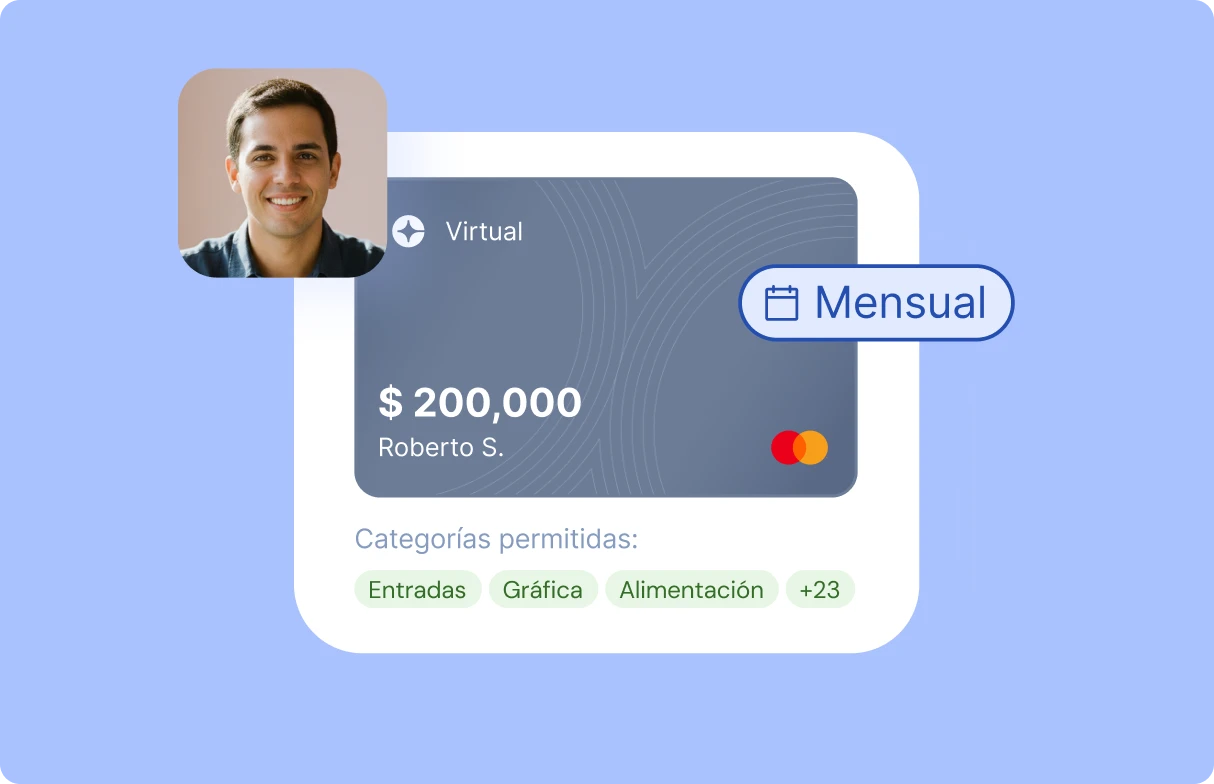
The problem
- Corporate cards are used in unauthorized categories (entertainment, gambling, etc.).
- One-size-fits-all limits do not reflect each employee's actual needs.
- Spending outside business hours or in unauthorized countries goes unnoticed.
- A lack of detailed controls forces managers to trust cardholders blindly.
- Canceling the card is the only option when an employee leaves the company.
The solution
Category controls (MCC) Allow or block specific merchant categories: travel, food, fuel, entertainment. Each card can have different rules.
Customized limits Set a limit per individual transaction and per period (daily, weekly, monthly) for each card. Adjust them in real time without canceling the card.
Usage restrictions Restrict card use to specific countries, business hours, and purchase types (online vs. in person). All configurable by the admin.
Instant freezing Freeze and unfreeze any card in real time from the app or platform. Ideal for travel or when employees leave.
Key features
How it works
Step 1: Open card management
On the Clara platform, go to Cards and select the card you want to configure.
Step 2: Set category controls
On the Controls tab, select the merchant categories (MCC) to allow or block.
Step 3: Set spending limits
Set the maximum amount per transaction and the cumulative limit per period (day, week, month).
Step 4: Add further restrictions
Set geographic restrictions, hours of use, and purchase types according to your policy.
Step 5: Monitor and adjust
Track approved and declined transactions in real time. Adjust controls without canceling the card.
Availability
🇲🇽 Mexico | 🇨🇴 Colombia