
Create custom fields, define them by role, and export ERP-ready data — all without leaving the platform.

Every company has its own expense classification system. Now that system lives inside Clara — not in a spreadsheet.
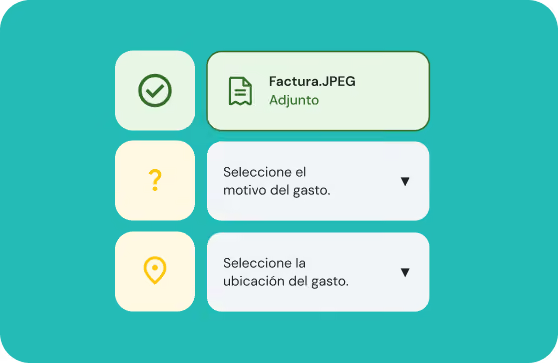
Create up to 5 fields: single select, multi-select, text, date, number, or checkbox. Define the name, options, and who must fill it in.

Configure which fields are required or optional, and which role they apply to: Cardholder, Manager, or Admin.

Pro feature
Every custom field appears as an additional column in the enriched CSV. Structured data, ready to import to your accounting system.
Each user sees exactly what they need — nothing more, nothing less.
Go to Settings → Accounting Fields. Choose the field type, add the options, and name the field. A live preview shows exactly what cardholders will see.
Under the Policy section, mark each field as mandatory or optional. Any field left un-configured defaults to optional and won't be shown to spenders.
When opening a transaction, cardholders see the Requirements tab with the fields that apply to them. A banner alerts them to any field left blank until it's completed. Status moves from Missing items to Under review.
Each field appears as a column in the enriched CSV. Fields lock once the transaction is reviewed, accounting closes with complete data straight from the source.
Administrator
Cardholder
Accountant

With Accounting Fields, the right data comes from the source — no chasing, no extra spreadsheets.
Set up fields now


.webp)